Swim Class Timetable: Check Pool and Instructor Capacity
10 min read
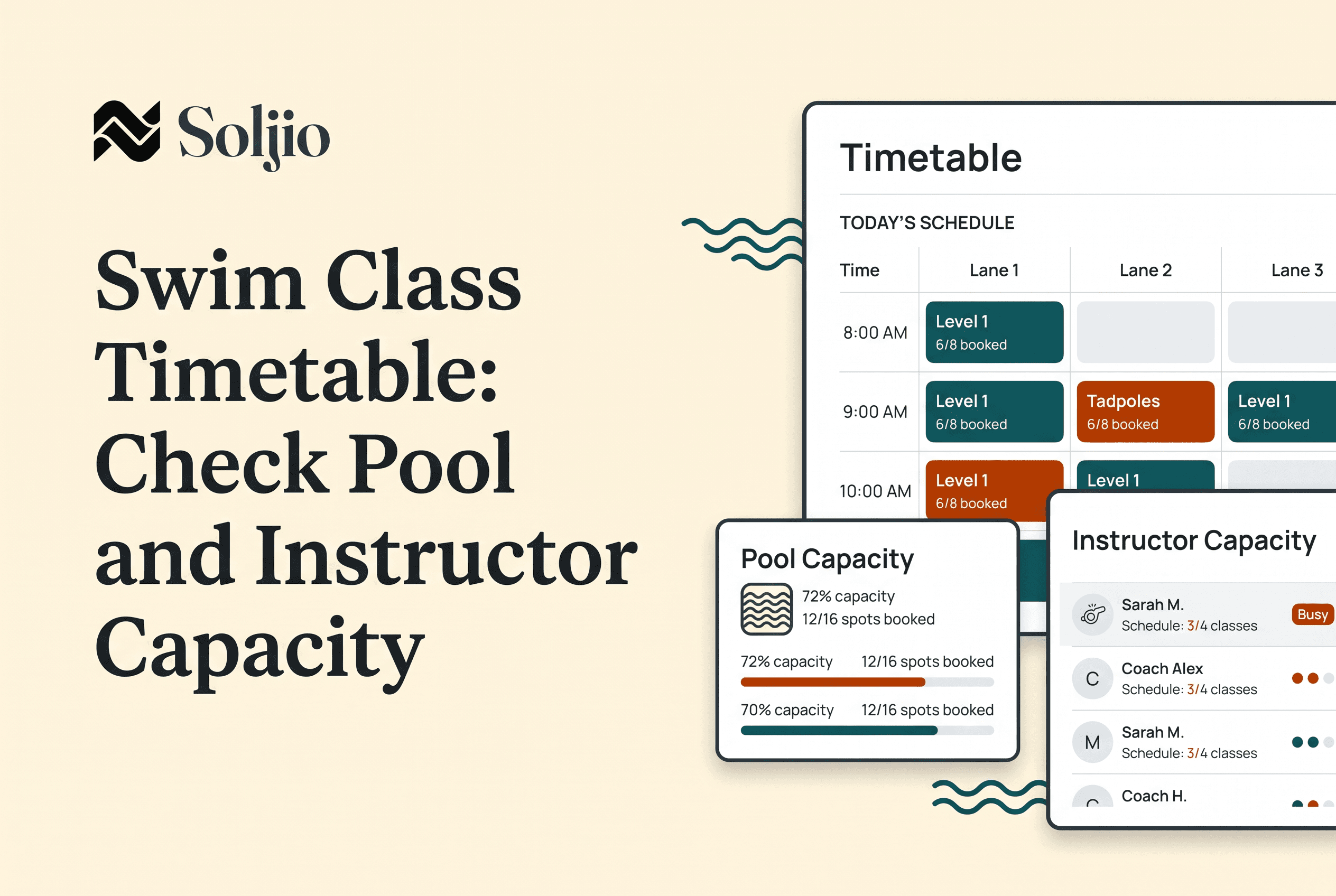
To create a swim class timetable that works, test every time block against four things before enrollment opens: a qualified instructor, approved pool space, a suitable skill group and enough changeover time. If any block fails one of those four, it fails on the deck, in front of parents, in week two of the term.
Most owners build the timetable in a spreadsheet by filling slots, then check capacity only after families start asking why two groups are standing in the same lane. Flip that order. Validate first, publish second. This guide gives you the checks, a blank worksheet you can copy, and a clearly labelled hypothetical so you can see how a block passes or fails.
Why a swim class timetable needs a capacity check before enrollment opens
A swim class timetable needs a capacity check before enrollment because every change after families enroll costs you a message, an apology and sometimes a refund conversation. Before enrollment, a bad block costs you a cell edit.
The best practice in swim school scheduling is boring and it works: treat the timetable as a hypothesis, then try to break it. Walk each time block as if it were a real Tuesday at 4:30 pm. Who is on deck? Which part of the pool is that group actually allowed to use? Who arrives while the last group is still getting out?
This is also how you balance instructor availability against pool capacity. Don't balance them in aggregate ("we have 12 instructors and 6 lanes, so we're fine"). Balance them block by block. A school can be generously staffed overall and still have three blocks a week where one instructor is double-booked and one lane is claimed twice.
Owners who run recurring, term-based classes get the most from this, because a flaw in one block repeats every week for the whole term.
What each time block has to line up: instructor, approved pool space, skill group and changeover
Each time block has to line up four things at once, and a block only passes if all four pass.
Instructor. Is a qualified instructor assigned, available for that exact time, and not already teaching another group? Check availability against the term, not just the first week. Instructors with school, college or second-job commitments are the usual source of mid-term gaps. If you need a refresher on keeping coverage clear when something changes, see Swim Instructor Schedule Change Email: Confirm Coverage.
Approved pool space. Which lane, section or depth is this group cleared to use at this time? "Approved" means approved by your facility and your own rules: the pool's operator, your lease or rental terms, and any qualified supervision requirements that apply to you. Don't guess and don't borrow a number from another school. Use your own facility's rules, and write the allowed space into the block.
Skill group. Does the group's level match the water it has been given? A beginner group placed in space that suits stronger swimmers is a timetable error, not an instructor problem. Placement notes from an assessment help here; see Swim Lesson Assessment Form: Place New Swimmers With Clear Notes.
Changeover. How long between this block and the next, for the swimmers leaving, the swimmers arriving and the instructor moving between groups? Back-to-back blocks with zero gap look efficient on paper and create a queue at the pool edge in practice. If you rent the pool, setup and pack-down time belongs here too. The Swim Lesson Setup and Pack-Down Checklist for Rented Pools covers it.
Check all four together, because each one can pass alone and the block can still fail. An instructor can be free, the lane available and the level right, and the block still collapses because the previous group is leaving as this one arrives.
A blank timetable capacity worksheet you can copy
Copy this into a spreadsheet, one row per time block. Fill it in for the whole term before you open registration. This is an illustrative layout, not a required format.
| Day | Start | End | Program / level | Instructor (name, qualified?) | Instructor free all term? | Approved pool space (from facility rules) | Space used by another group? | Skill group matches space? | Changeover before | Changeover after | Max swimmers (your own rule) | Block passes? (Y/N) | Fix needed |
|---|---|---|---|---|---|---|---|---|---|---|---|---|---|
Three rules for using it:
Fill "Max swimmers" from your own rules, meaning your facility's conditions, your insurer, your instructor qualifications and your own judgement. Don't import a ratio from a blog post, including this one.
Mark "Block passes?" only when every other column is filled. A blank cell is a fail, not a maybe.
Sort by instructor, then by pool space. Sorting by instructor exposes double-bookings. Sorting by space exposes two groups claiming the same water. You will find different problems each way, so do both sorts.
A worked example (hypothetical, not a safety ratio)
This is a hypothetical example to show the method. The numbers are invented for illustration. They are not a recommended ratio, a safety rule or a regulation. Your facility and qualified-supervision rules decide your real limits.
Imagine Saturday, 9:00 to 9:30 am, and a draft timetable with two blocks:
| Block | Level | Instructor | Space (per hypothetical facility rules) | Changeover |
|---|---|---|---|---|
| A: 9:00 to 9:30 | Beginner | Instructor 1 | Shallow section, shared | 0 min after |
| B: 9:00 to 9:30 | Intermediate | Instructor 1 | Lane 2 | 0 min before |
Run the four checks on each block.
Instructor: Instructor 1 appears in both blocks at the same time. Fail. Either move Block B to another instructor or shift it by 30 minutes.
Space: Block A uses the shared shallow section. If another group is also placed there at 9:00, the space check fails. In this example it doesn't, so it passes.
Skill group: Beginner in the shallow section, intermediate in a lane. Both match. Pass.
Changeover: If Block A runs until 9:30 and the next group starts at 9:30 in the same space with a 0-minute gap, the changeover fails. In this example, adding a 10-minute gap fixes it, which means the next block starts at 9:40.
One block, four checks, two failures found in a spreadsheet instead of at the pool. Moving Block B to a second instructor and adding the gap makes both blocks pass. That is the whole method: assume the draft is wrong, test it, and fix it while fixing is free.
Common timetable gaps to catch before families see it
Most timetable failures come from a short list of gaps. Scan for these before you publish.
The double-booked instructor. Sort the worksheet by instructor and look for two blocks with the same start time.
The phantom lane. Two groups assigned to the same space in the same window because each was added on a different day by a different person.
Zero-minute changeovers. Blocks stacked end to start with no gap for exit, entry or instructor movement.
Level mismatch. A group's skill level doesn't suit the space it was given, usually because the timetable was built around space availability first.
The one-term-only instructor. Someone available for the first four weeks but not the last four.
Sibling clashes. Brothers and sisters in different levels at overlapping times, which parents will notice immediately. See Swim Lesson Sibling Scheduling: Fit Families Into Your Timetable.
Blocks with no cancellation plan. If a pool closes or an instructor is out, who covers and how do families hear about it? Decide the policy now. For cancellations, the practical rule is to set your makeup and closure approach before the term starts and state it at registration, so that nobody is inventing policy the week it happens.
Check group and private lessons separately. Private lessons often get squeezed into leftover gaps, and a gap you were relying on for changeover may be the one a private lesson takes.
Keeping the validated timetable consistent once rosters fill: schedules, rosters, attendance and skill marking in one workspace
A validated timetable only stays valid if the schedule, the rosters and the attendance record keep agreeing with each other once families enroll. This is where spreadsheets drift. The timetable tab says one thing, the roster tab says another, and the attendance sheet was last updated Tuesday.
Soljio is swim school software that keeps programs, schedules, rosters, families and progress in one workspace. Families enroll and pay on your school's own subdomain, so enrollment lands against the schedule you built. Rosters can be imported from a spreadsheet, so the worksheet-and-roster work you already did isn't thrown away. Instructors take attendance and mark skills from the deck, so what happened in the water is recorded against the same class the timetable describes.
Be clear about who does what. You still run the capacity check yourself, with the worksheet above and your own facility rules. Soljio holds the validated schedule, the rosters, attendance and skill marks together, so the timetable you tested is the one everyone is working from. When you evaluate any tool for this job, test it against your own blocks. Swim Lesson Scheduling Software Demo Tests for Your Pool lays out how, and Swim School Management Software: Owner Buying Checklist covers the wider decision.
Other tools in this space put their weight elsewhere. Cal.com is positioned around flexible booking of private, group and recurring lessons without a full swim-school management platform, and Jackrabbit Swim and iClassPro are positioned around class management and skill tracking for level-based programs. The question for any of them is the same: does it keep your tested timetable and your rosters in one place?
Pre-launch timetable checklist
Run this list the day before registration opens. Every line should be a yes.
Every block has a named, qualified instructor, and that instructor is free for the whole term.
No instructor appears in two blocks at the same start time.
Every block names its approved pool space, taken from your facility's rules and not from a generic ratio.
No two groups claim the same space in the same window.
Every skill group matches the space it was given.
Every block has a changeover gap before and after, and the gap is written in the worksheet.
Each maximum group size comes from your own rules and is written down.
Sibling and family overlaps have been checked.
Private lessons have been checked against group blocks and changeover gaps.
The cancellation, makeup and closure approach is written down and ready to state at registration.
The registration page matches the timetable exactly. See Swim Lesson Registration Process: A Pool Owner Checklist.
Rosters are ready to load once families enroll.
If you manage swim school schedules from term to term, keep this worksheet. Next term you start from a validated copy instead of a blank page, and the only blocks that need fresh testing are the ones that changed.
Validate the timetable first, then put it in one workspace
A swim class timetable is only as good as its weakest time block, and the weakest block is almost always one nobody tested. Run the worksheet on every block this week, fix the failures while they cost you a cell edit, then publish. When you're ready to carry the validated timetable into live schedules, rosters, attendance and skill marking in one workspace, reach out to Soljio at hello@soljio.com to talk about joining the private beta.