Swim Lesson Refund Request Email: Owner Reply Templates
10 min read
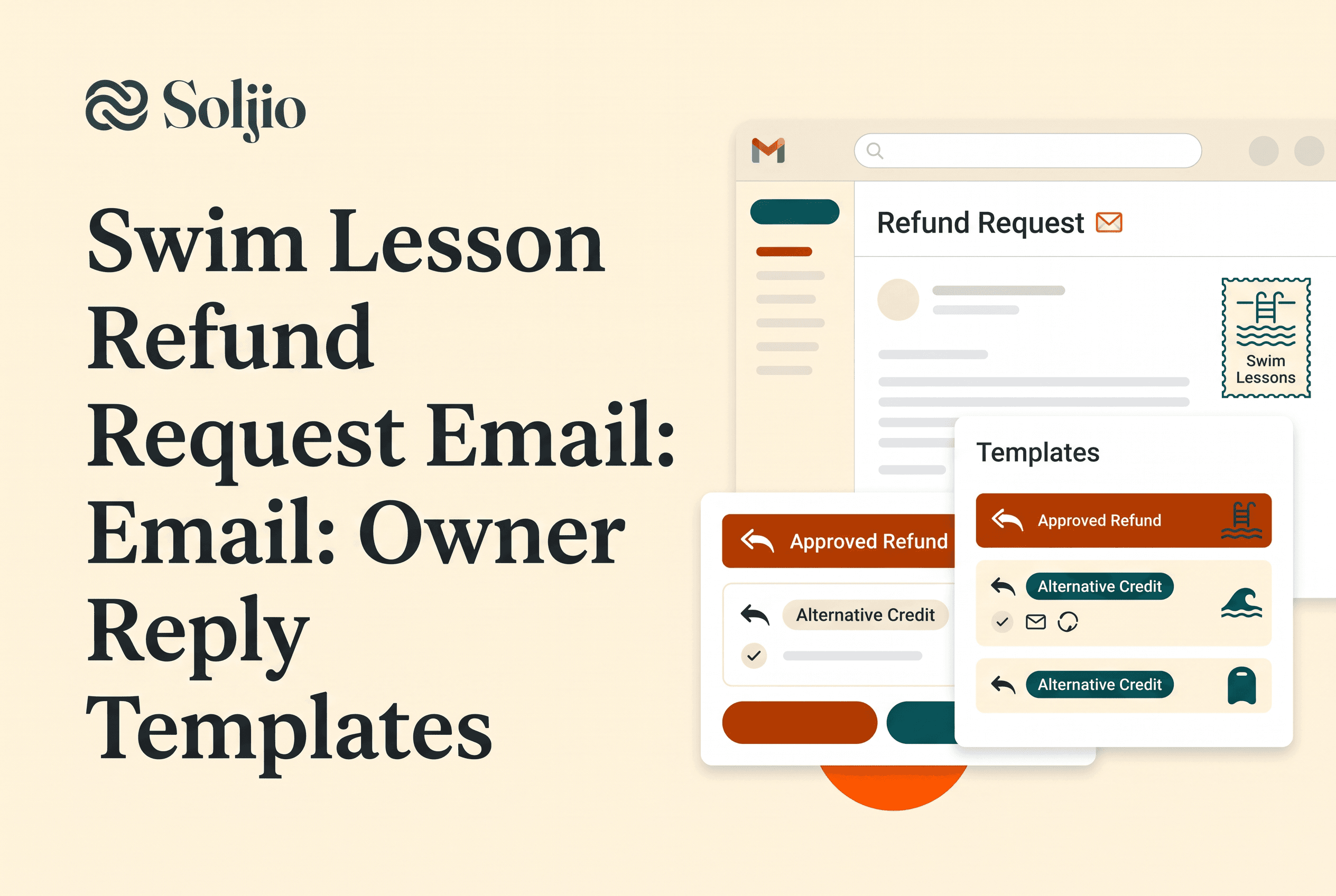
A swim school owner should answer a refund request by confirming receipt quickly, checking enrollment, attendance and payment records, and only then replying with a decision that matches the school's written policy. A swim lesson refund request email is rarely the moment to improvise. The calm reply says what you received, what you are checking, and when the parent will hear back.
This post is written for the person who receives the email: the owner, coordinator or front-desk manager. You will find four reply templates with placeholders for every amount, date and timeline, plus a short records check to run before you write anything. Fill the placeholders only from your own verified records and written policy. Nothing below is legal or tax advice, and no template should promise something your policy or your obligations do not support.
How should a swim school owner reply to a refund request?
Reply in three moves: acknowledge, verify, decide. Acknowledge the request the same day or next business day, check it against your records, then send a decision that cites your written policy and tells the parent what happens next.
The acknowledgement is not a decision. It buys you time to check the facts, and the parent knows someone read the message. The decision email comes after the records check, and it should be specific: the swimmer, the program, the amount, the date, and the next step.
Three habits keep these replies out of trouble. First, never reply from memory. A parent says "we only attended twice" and the front desk agrees, then the attendance record says four. Second, never quote a policy you cannot point to in writing. Third, keep the tone steady whether the answer is yes or no. A refund request is a customer service moment, and parents remember how they were treated longer than they remember the amount.
If the request is really a withdrawal, handle the last-class question first. The swim lesson withdrawal email covers confirming the final class, and the refund reply can build on that.
Check the records before you write back
Check three records before you write a decision: enrollment, attendance and payment. If any of the three is unclear, send the pending-review template and keep digging.
Enrollment. Confirm which swimmer, which program, which session and which class day the request refers to. Families with more than one swimmer mix these up often. If two children share a name, confirm the right one before you touch anything. The same-name swimmers roster check is a useful habit here.
Attendance. Count what was attended, what was missed, and what the school cancelled. A refund request after a school closure is a different conversation from one after a family's travel plans changed. If you are unsure how the attendance record was built, the attendance discrepancies post walks through resolving disputes.
Payment. Confirm what was paid, when, how, and whether any portion was already refunded, credited or adjusted. Note the payment method, because it may affect how a refund can be returned.
Policy. Pull up the exact written policy the family agreed to at enrollment. Check whether the request falls inside any deadline, notice period or condition in it. Also consider whether any applicable consumer or local obligations affect the answer. If you are unsure, get advice from a qualified professional before you decline.
Write the facts in one internal note before you reply: swimmer, program, amount paid, classes attended, classes missed, policy clause, proposed decision. That note makes the email easy to write and easy to defend.
If your school keeps programs, rosters, families and attendance in Soljio, those checks happen in one workspace instead of across a spreadsheet, a group chat and one person's memory. Soljio is swim school software, and families enroll and pay on your school's own page, so enrollment and attendance are in front of you when the email arrives. The decision and any refund still stay with you.
Template 1: Request received and pending review
Send this first when you cannot answer on the spot. It confirms receipt, names what you are checking, and gives a date for the next message.
Subject: Your refund request for [swimmer name], [program name]
Hi [parent name],
Thank you for writing to us about [swimmer name]'s [program name] lessons. We have received your request and want to give it a proper review.
We are checking [swimmer name]'s enrollment, attendance and payment records, along with our written refund policy. To make sure we have the right details, please confirm:
The swimmer and class you are asking about: [class day and time]
The reason for your request: [optional, in a sentence or two]
The payment you are referring to: [date or last four digits, if applicable]
We will reply with our decision by [date]. If we need anything else from you before then, we will let you know.
Thank you for your patience.
[Your name] [School name] | [contact details]
Keep the date honest. Only promise a reply date you can meet. If the review runs long, send a short update before that date passes rather than going quiet.
Template 2: Approved refund confirmation
When the records and policy support a refund, say so plainly and put every number in the email. A vague confirmation invites a second email.
Subject: Refund approved for [swimmer name], [program name]
Hi [parent name],
Thank you for your patience while we reviewed your request. We have approved a refund for [swimmer name]'s [program name] lessons.
Refund details
Amount: [refund amount]
Original payment: [amount] paid on [payment date]
Classes attended: [number] of [total classes]
Classes covered by this refund: [number or date range]
Refunded to: [original payment method, or method confirmed by your records]
We expect the refund to be issued by [date], based on how we process payments. Your bank or card provider may take additional time to show it on your statement, and we cannot control that part.
If anything above does not match your records, reply to this email and we will look again.
Thank you for being part of [school name].
[Your name] [School name] | [contact details]
Fill the processing date from your own payment process, not from a guess. If you do not know how long your processor takes, leave the estimate out and say you will confirm once the refund is issued. Then send a short follow-up when it is.
Template 3: Policy-based decline with next steps
Decline only when your written policy clearly supports it and you have checked that no applicable obligation requires otherwise. Then be specific about the clause, the facts, and what the family can still do.
Subject: Update on your refund request for [swimmer name]
Hi [parent name],
Thank you for your patience while we reviewed your request for [swimmer name]'s [program name] lessons. We are sorry that this is not the answer you were hoping for.
After checking our records, we are not able to approve a refund for this request. Here is how we reached that decision:
Our written policy, which was part of enrollment, states: [quote or summarize the relevant clause]
Our records show: [specific facts, such as the cancellation date, classes attended, and the deadline in the policy]
What we can still do:
[Option you are actually authorized to offer, such as confirming the last class date or answering questions about billing]
If you believe our records are wrong, reply with [what you would need to see] and we will review it again.
We value having [swimmer name] in the water with us and hope to see you again.
[Your name] [School name] | [contact details]
Two cautions. Do not decline by pointing at a policy the family never saw. And do not use this template if you have not completed the records check, because a wrong decline costs more goodwill than a slow right one.
Template 4: Alternative credit, only when you are authorized to offer it
Offer a credit or make-up option only if your written policy allows it and the family is not owed a refund under that policy or any applicable obligation. A credit is not a default substitute for a refund.
This template is for cases where your policy provides for credit, or where you have decided as the owner to offer one as a goodwill option alongside a decision you are entitled to make.
Subject: An option for [swimmer name]'s [program name] lessons
Hi [parent name],
Thank you for writing to us. After reviewing [swimmer name]'s records and our written policy, here is what we can offer.
Option: [credit amount or make-up lessons] toward [eligible program or session] Valid until: [expiry date, if your policy sets one] Conditions: [any conditions stated in your written policy]
This option is offered under [policy clause or description]. If you would like to take it, reply with [what you need from them] by [date] and we will set it up.
If you would rather discuss other options, reply to this email and we will help where we can.
[Your name] [School name] | [contact details]
If you are weighing a make-up class against a refund, decide it by your written policy, not by mood. Make-ups fit best when the school cancelled or the family missed a class inside your make-up rules. Refund requests that fall outside those rules need their own check. The makeup confirmation email post covers confirming the booking once a make-up is agreed.
Keep refund replies consistent across families
Consistency is the whole defense: the same facts should get the same answer, whoever answers the email. Build that with a short written policy, a decision note and a single log.
Write the policy where families see it. State the cancellation notice, what is refundable, what is not, and how a request is made. Put it on your enrollment page so every family agrees to the same words. Common policy examples cover a notice window before the session starts, proration after the first class, and school-cancelled classes handled by make-up or refund. Choose yours deliberately and write it down.
Use one internal note per request. Swimmer, program, amount paid, classes attended, policy clause, decision, who decided, date sent. If a parent asks why a neighbor got a different answer, the note shows whether the facts differed.
Decide who can approve exceptions. If the front desk cannot grant one, say so in the template language and route the request to the owner. The answer should never depend on who happened to open the inbox.
Close the loop in your daily routine. A refund that was approved but never issued is the worst outcome. Tie refund follow-up into your end-of-day habit, as in the swim school daily close checklist, so rosters and payments get checked together.
Soljio keeps programs, schedules, rosters, families and progress together, with instructors recording attendance from the deck. That gives whoever answers the email the same record to check. Soljio does not decide refunds or move money for you. The judgment stays with the owner.
Refund reply FAQ
The questions below cover what parents and owners ask most when a refund request lands in the inbox. For the parent's side of the same exchange, the short answers also show what a well-run school should be able to tell them.
Check the records, then send the template that fits
A good refund reply is built before you type it. Pull enrollment, attendance, payment and the written policy, make the decision on those facts, then pick the template that matches: pending review, approved, declined with next steps, or an authorized credit. If your records are scattered across a spreadsheet and an inbox, try Soljio for one workspace where programs, rosters, families and attendance sit together, and run your next refund request against it.