Swim School Data Export: Test Before You Commit
11 min read
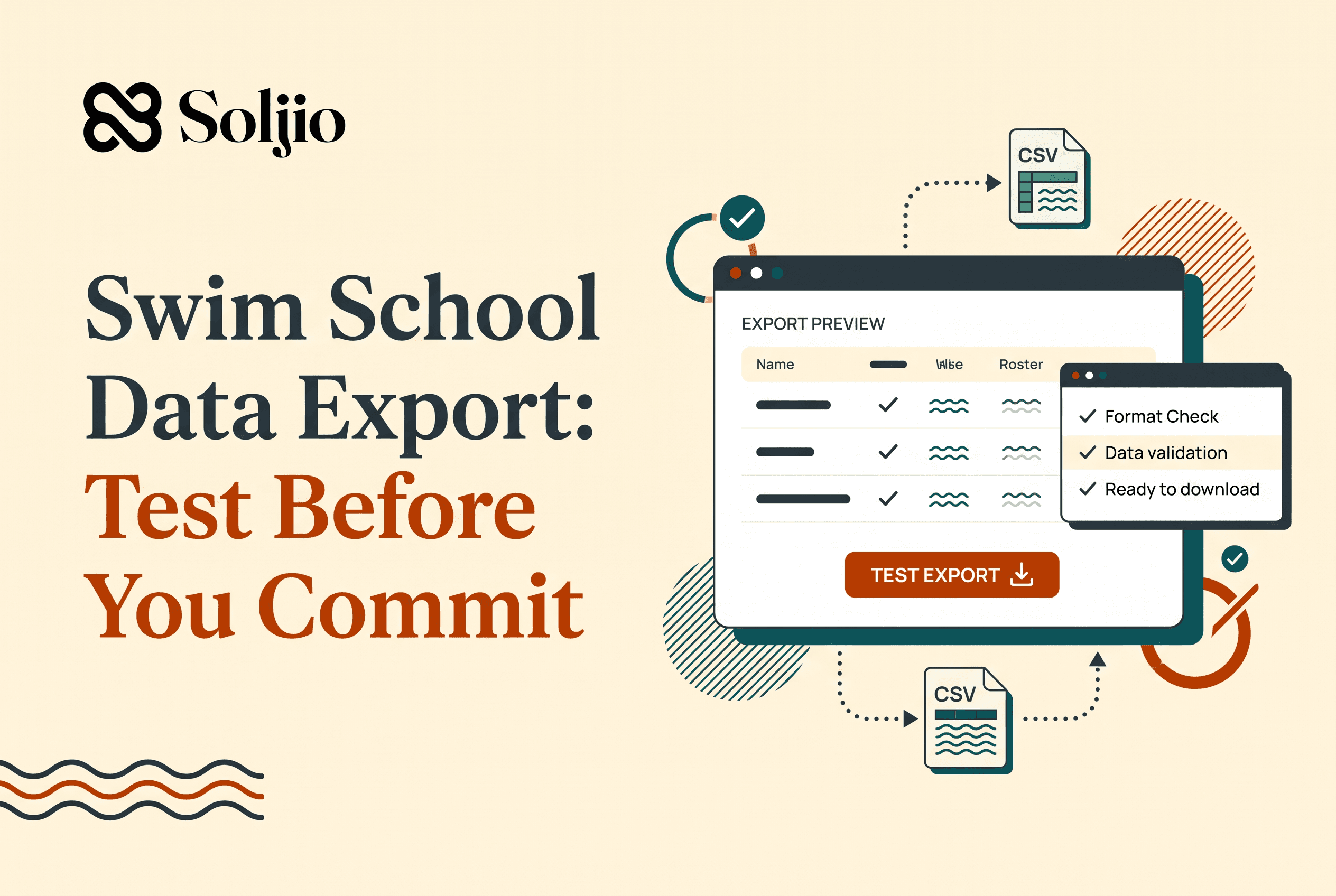
Don't trust a swim school data export until you have watched a vendor produce one from a test dataset and checked the files yourself. Feature lists and sales calls tell you what a vendor says is possible. A live export of a small, awkward dataset tells you what actually comes out.
This post gives you a six-part acceptance test to run before you sign anything. You build a dozen fake families that include the cases that break migrations: siblings, a guardian shared across households, two swimmers with the same name, and a skill history with real dates. Then you ask each vendor to export that data in front of you, and you open the files. No vendor is assumed to pass. Each one has to show you.
What a swim school should be able to export (and why test it before you buy)
A swim school should be able to get its swimmers, guardians, enrollments, dated attendance, skill history and billing records out of its software in files it can open without the vendor's help. Whether a given platform delivers all of that is what you need to find out before you buy, because the answer varies and the marketing page rarely says.
Here is the practical list to hold vendors to:
Swimmer and guardian records, with the link between them
Active classes and enrollments
Attendance by date
Skill and level progression history
Waitlists and transaction history, if you rely on them
Basic student data in CSV is commonly supported. Attendance history and related records often need separate exports or vendor assistance, so confirm what each provider can export and import rather than assuming. The files are the easy part. The links between them are where data quietly goes wrong: a swimmer file with no guardian reference, an attendance file keyed on names instead of IDs.
Test before you buy, because once a season of rosters is in a new system, your leverage is gone. Today a vendor wants your business and will answer hard questions. Use that.
Can I export student records, attendance and financial reports as CSV?
A good swim school system should let you export student records, attendance and payment history as CSV files you can open in a spreadsheet. Ask the vendor to show each export live, not just describe it. Ask for a written list of every export and its columns before you commit.
Build an anonymized test dataset: siblings, shared guardians and same-name swimmers
Build a test dataset of 10 to 15 swimmers made entirely of fictitious people, and design it to be awkward on purpose. Never hand a vendor real family data for a test. Fake names and fake emails give you the same proof with zero risk.
Put these cases in the set:
Two sibling pairs, each pair under one guardian, enrolled in different classes
One guardian shared across two households, such as a parent and a grandparent who both appear on different swimmers
Two swimmers with the same first and last name but different birthdates and different guardians. Our post on same-name swimmers covers why this case causes so many roster errors
Accented and non-Latin characters in a few names, such as José, Zoë or a name in another script
IDs with leading zeros if your current system uses them, such as 00417
Real-looking history: six to ten dated attendance entries per swimmer, a mix of present, absent and makeup, plus at least two level changes with dates and a skill note
Keep a master copy of this dataset in a spreadsheet. You will compare every vendor's export against it. If you are still on spreadsheets today, this master copy is also a useful rehearsal for what a real migration asks of you.
Send the dataset ahead of the demo, or ask each vendor to load it live. Either way, the export happens on your data, not theirs.
Test 1 and 2: Stable swimmer and guardian IDs, and separate sibling records
Test 1 asks whether every swimmer and every guardian carries a stable ID that appears unchanged in every export file. Test 2 asks whether siblings come out as separate swimmer records linked to the same guardian, not merged or duplicated.
Test 1: stable IDs. Ask the vendor to export swimmers and guardians, then open the files yourself. Check three things:
Each record has an ID, and the ID is not just the name
Your two same-name swimmers have different IDs
The IDs match across files. The swimmer ID in the attendance file must be the same value as in the swimmer file
Then ask the vendor to export again after you change a record, say a guardian's phone number. The ID should not change. An ID that shifts between exports can't be used to reconcile anything later.
Test 2: sibling records. Find your sibling pairs in the swimmer file. Each child should have their own row, their own ID, their own enrollments and their own skill history, and each row should point to the guardian by ID. Failure patterns to watch for:
One row for the family with both children crammed into a single cell
Two rows that share the guardian's contact details but have no guardian ID, so the link exists only as repeated text
Your shared-guardian case collapsing into one household and dropping the second
If the vendor can't show you the guardian-to-swimmer link as IDs in the file, that is a finding. Write it down.
Test 3 and 4: Attendance dates and skill history that survive the export
Test 3 checks that attendance comes out as dated rows tied to a swimmer ID and a class. Test 4 checks that skill and level history comes out with dates, not just a current level. These two are where a clean-looking export most often turns out to be hollow.
Test 3: attendance dates. Ask for a dated attendance export covering your test swimmers. Pick three swimmers and compare against your master copy:
Does every session appear, including the absences and makeups?
Is each date a real date in a consistent format, not a text label like "Week 3"?
Does each row carry the swimmer ID and the class, so you can tell which lesson it belongs to?
Attendance is also where parent disputes land later. If you ever need to settle a question about a missed lesson, a dated record is the evidence. Our guide to swim lesson attendance discrepancies shows what that looks like in practice.
Test 4: skill history. A current level is not a history. Ask the vendor to export every level change and skill mark for your test swimmers, with dates and, if you recorded them, instructor notes. Check that the two level changes you seeded show up in order. If the export gives only today's level, you lose the progress story that families and instructors rely on. Plenty of schools discover this only after switching. For more on what to look for in the system itself, see learn to swim curriculum tracking.
Can I get retention, enrollment, revenue and skill progress reports?
Retention, enrollment, revenue and skill progress reports are only as trustworthy as the underlying records you can export. If attendance dates and skill history come out cleanly as raw data, you can rebuild any of these reports yourself in a spreadsheet. Ask to see each report you rely on, then test that its source data exports.
Test 5 and 6: Readable CSV encodings and reconciling linked records
Test 5 verifies the files open correctly in the tools you actually use. Test 6 verifies you can rebuild the links between files and arrive at the same counts you started with.
Test 5: readable CSV and encodings. Open the raw files in a plain text editor and then in the spreadsheet program you use. Look for:
Accents and non-Latin characters intact. José should not become José
Leading zeros preserved. An ID of 00417 that opens as 417 is a different ID
Commas inside names or notes handled with proper quoting, so a row does not split into extra columns
Dates that read the same in your spreadsheet as in the file
Ask the vendor which encoding the file uses and whether it includes a byte order mark. UTF-8 is the usual target, and a byte order mark can help or hurt depending on your tools, so test with yours.
Test 6: reconcile linked records. This is the round-trip check. Count the records in each file and compare against your master copy: 12 swimmers in, 12 out. Then rebuild the links using only the IDs. Take one sibling pair and, from the files alone, find their guardian, their classes, their attendance rows and their skill history. If you can do that in a spreadsheet with a lookup on the ID column, the export is relational and portable. If you have to match on names, it isn't.
A good small-sample result is a first check, not proof that a full migration will be painless. It is still far better evidence than a feature page.
Does swim school software export to QuickBooks?
Many accounting tools, QuickBooks included, can import payments from a CSV file, so a clean payment export is often the practical bridge. Check that the vendor's export has one row per payment, with dates, amounts and family identifiers that reconcile to your records. Ask the vendor to confirm in writing and to show a sample payment export.
Score the vendor demo: what to ask them to show, and what to get in writing
Score each vendor on what they showed you live, not on what they promised, and get the gaps in writing. Use a simple pass, partial or fail for each of the six tests, then compare vendors side by side.
Ask every vendor to do these things on camera or in the room:
Export your anonymized dataset and hand you the raw files during the call
Show swimmer and guardian IDs matching across at least two files
Show both sibling pairs and the shared guardian
Show dated attendance and dated level changes for named test swimmers
Open a file with accented names and leading-zero IDs
Then ask for these in writing, whatever the demo showed:
The field definitions for each export file
Any limits on export size, frequency or date range
Whether archived swimmers, custom fields, notes and attachments are included, or only referenced
Which export formats exist beyond CSV, and whether finance data can be exported in a form your bookkeeping tool can use
What happens to your data and your access if you cancel
Press on that last one. Data ownership and switching providers are contract questions, so ask the vendor to state the answer rather than inferring it from the product. A vendor who answers plainly and in writing has passed a test that no feature list covers. A vendor who changes the subject has told you something too.
One caution: this test does not replace your own record-keeping rules. If you have retention or payment obligations, check those separately with the right professional.
What reporting and export features should I confirm in writing?
Get the vendor to confirm in writing which reports exist, which can be exported, and in what file format, because demos often skip this. Ask for a sample export of your own anonymized test data, and ask what happens to your data access if you cancel.
Where this fits: link to the owner buying checklist and migration checklist, and how Soljio fits for small schools
The export test is one gate in a larger decision. For the full set of criteria, use the swim school management software owner buying checklist. For testing how a system handles your rosters before you switch, use swim lesson roster software tests before you switch. Run the export test alongside them, not instead of them.
Soljio is swim school software that keeps programs, schedules, rosters, families and skill progress in one workspace, built for independent schools, multi-location programs, seasonal clinics and club learn-to-swim divisions. Families enroll and pay on your school's own subdomain, instructors take attendance and mark skills from the deck, and you can bring in rosters from a spreadsheet. Anyone can sign up on the website, so you can load your own anonymized test dataset and see how your records look inside before you decide.
Whatever you evaluate, Soljio included, hold it to the same standard: run your own dataset through it and check what you get back. Anyone worth buying from will let you.
Make every vendor export your messy data before you sign
A swim school data export you have not tested is a promise, and promises are cheap at the sales stage. Build your dozen fake families, include the siblings, the shared guardian and the same-name swimmers, and make each vendor produce the files while you watch. Then sign up for a Soljio workspace at soljio.com, load your anonymized roster from a spreadsheet, and judge how it handles your real-world cases before you commit.