Swim Lesson Class Transfer Email: Confirm a Mid-Term Move
8 min read
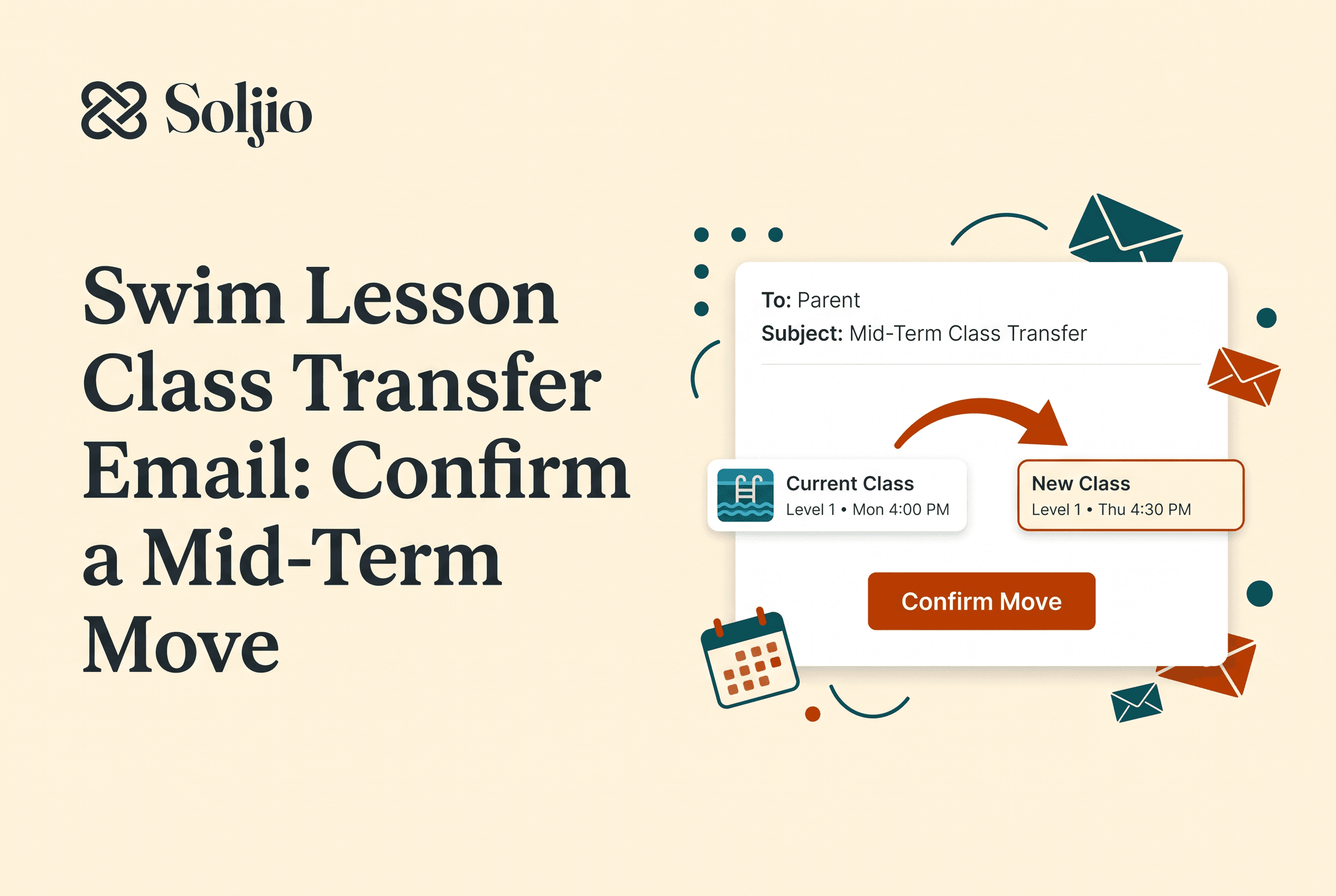
A good swim lesson class transfer email does three jobs in order: it acknowledges the parent's request, offers a specific open class that suits the swimmer, and confirms the last old lesson, first new lesson and effective date in writing. Send those three messages and almost every mid-term move stays calm.
The trouble is that mid-term transfers rarely arrive tidy. A parent texts the front desk at 9pm, the instructor mentions a level change at pickup, and nobody writes down which Tuesday the swimmer actually switches. This post gives you the three templates, the rules to settle first, a handover checklist for staff, and wording for the awkward cases.
What a mid-term class transfer is (and what it isn't)
A mid-term class transfer is an already enrolled swimmer moving from one class to another partway through a session, with the same term and the same family account. That is the whole definition.
It is not re-enrollment for next term, a trial follow-up, an initial placement assessment or a waitlist offer. Those have their own emails. If you want those, see our guides on the swim lesson re-enrollment email template, the swim lesson assessment form and the swim lesson waitlist offer email.
Keep the categories separate in your head. A transfer changes the where and when. A level change changes the what. Sometimes both happen at once, and the email should say so plainly.
Decide your transfer rules before you write the email
Your transfer policy has to exist before the first email goes out, because every template below quotes it. Schools handle this differently. One large chain accepts class-time change requests through a portal, app or front desk, subject to availability (Goldfish Swim School, 2026). Other programs set early cutoff deadlines or require coordinator approval before a student attends another section. Each one states a deadline, a channel and an approval step.
Write down answers to these before you reply to anyone:
Are mid-term transfers allowed at all, and until which week?
Is a class with space the only requirement, or does a coordinator approve each move?
Is there a transfer fee, and does a price difference between classes create a charge or a credit?
What happens to make-up lessons already booked in the old class?
Who decides when a transfer is really a level change?
Then follow one rule without exception: billing and credits always follow your school's own written policy. Never improvise a refund or a fee in an email. If your policy is silent, settle it with the owner first, then add a line to the policy so the next reply is easy. A short make-up and transfer policy that covers deadline, approval, fees and credits beats a long one nobody reads.
Template 1: Acknowledge the parent's transfer request
Acknowledge within one business day, even if you cannot offer a class yet. A quick reply tells the parent the request did not vanish into a group chat.
Subject: Your request to move [Swimmer name] to a different class
Hi [Parent name],
Thanks for letting us know you'd like to move [Swimmer name] out of the [Day/time] [Level] class. We have your request and will come back to you by [date] with options.
To help us find the right fit, could you confirm:
Which days and times work for your family?
Whether the reason is scheduling, comfort level or something else?
Your [Swimmer name] stays in the current class until we confirm a move in writing, so please keep bringing them to [Day/time] for now. Our transfer policy is here: [link or one-line summary]. We'll apply it when we confirm details.
Thanks, [Name], [School]
The line about staying in the current class matters. It stops a swimmer from missing lessons while you sort out space.
Template 2: Offer an available, suitable class
Offer one or two specific classes, not a link to the whole timetable. A suitable class has three things: the same or an appropriate level, an open spot, and instructor and pool capacity that holds up with one more swimmer. Check your timetable before you promise anything. Our guide to checking pool and instructor capacity shows how.
Subject: A class option for [Swimmer name]
Hi [Parent name],
We have a spot open in [Day/time] [Level] with [Instructor name]. It runs [start date] to [end date] and covers the same skills as the current class, so [Swimmer name] won't lose progress.
If that works, reply "yes" and we'll confirm the dates. If not, a second option is [Day/time] [Level]. These spots are held until [date].
As a reminder, [one sentence quoting your policy on fees, credits or approval, exactly as written].
Thanks, [Name], [School]
If the new class is a different level, add one line explaining why, and link the instructor's note. Parents accept a level move much faster when they can read the observation behind it, so examples from our progress notes guide help. If a parent is moving two siblings together, check the sibling scheduling guide before offering split times.
Template 3: Confirm the transfer with effective date, last old lesson and first new lesson
The confirmation email is the one parents save, so it must carry three dates and nothing ambiguous. State the last lesson in the old class, the first lesson in the new class and the date the change takes effect on your records.
Subject: Confirmed: [Swimmer name] moves to [Day/time] on [date]
Hi [Parent name],
Here are the details for [Swimmer name]'s move:
Last lesson in the old class: [Day, date, time, level, instructor]
First lesson in the new class: [Day, date, time, level, instructor]
Effective date of the change: [date]
Location and check-in: [pool, door, arrival time]
[Instructor name] has received [Swimmer name]'s skill notes, so they can pick up where the last class left off.
Billing and credits: [paste the relevant line from your written policy, or write "no change to your fees" if that is what the policy says].
If anything above looks wrong, reply by [date] and we'll fix it before the first new lesson.
Thanks, [Name], [School]
Send this as a standalone email, not a reply buried in a long thread. That makes it the single source of truth. For the general pattern, compare it with our enrollment confirmation email templates.
Instructor handover and staff checklist for a mid-term move
A transfer only works if the new instructor knows the swimmer before the first lesson. Run this checklist every time, in this order:
Record the effective date, last old lesson and first new lesson in one place.
Remove the swimmer from the old roster and add them to the new one, then check both rosters.
Send the old instructor's skill notes to the new instructor before the first lesson: skills mastered, skills in progress and any comfort or safety notes.
Flag booked make-up lessons tied to the old class and decide what happens to them under your policy.
Confirm the billing or credit outcome matches the written policy and was stated in Template 3.
Tell the front desk and deck staff so check-in lists are current.
Check the new class after its first lesson: attendance marked, parent happy, swimmer settled.
Transfers make same-name mix-ups more likely, and our roster check covers that trap. The handover note is what separates a smooth move from a swimmer repeating skills they already have.
Common transfer situations and how to word them
Most requests fall into a handful of patterns. Reuse these lines.
Schedule change. "We can move [Swimmer name] to [Day/time] from [date]. Their level and skills carry over."
Level change mid-term. "[Instructor name] has seen [Swimmer name] consistently doing [skill], so we recommend moving to [Level]. The new class is [Day/time]." Keep the observation concrete, never a vague "ready." If the move is the opposite direction, borrow wording from our guide on slow progress conversations with parents.
No suitable space. "We don't have an open spot at that time right now. We can offer [alternative], or add you to a waitlist for [Day/time]." Only promise a waitlist if you actually keep one.
Request after your deadline. "Our policy allows transfers until [week]. We can't move [Swimmer name] this term, but we can book the new time for next term." Quote the policy, stay warm, offer the next best thing.
Swimmer wants out of a class they dislike. Ask what is behind it before offering a new slot. Sometimes a conversation with the instructor solves it.
Keeping transfers tidy when your records live in spreadsheets
Spreadsheet-based transfers fail in the same place every time. The roster in one tab gets updated and the attendance sheet, the billing note or the instructor's printout does not. You end up with four copies of the same swimmer, three of them wrong.
Soljio is swim school software that keeps programs, schedules, rosters, families and skill progress in one workspace. Families enroll and pay on your school's own subdomain, instructors take attendance and mark skills from the deck, and rosters can be imported from a spreadsheet. With one workspace, a swimmer's class, attendance and skills are in one place when you send Template 3. You still write and send the transfer emails and apply your own billing policy yourself.
When you evaluate any swim school management software for class transfers, ask three things. Can you see a swimmer's current class, attendance and skill progress together? Can you check both the old and new rosters quickly? Can an instructor read the skills before the first lesson? Our buying checklist and demo tests walk through how to test those in a real demo. Good swim school policies and procedures in 2026 come down to the same habit: write the rule once, quote it in every email, and keep the records in one place.
Write the policy first, then send the three emails
A mid-term transfer is a small change that creates big confusion unless the dates and the billing outcome are in writing. Settle your policy, send the acknowledgement, offer a real class, and confirm three dates. If your rosters, attendance and skill notes are scattered across spreadsheets, that is the part worth fixing next. Soljio is in private beta, so reply to hello@soljio.com and Evan will talk through how your transfers could live in one workspace.